Quick Summary
- Email response time tracking tools show where candidate emails stall
- The five best are timetoreply, EmailAnalytics, Email Meter, Hiver, and Front
- Look for reply-time reports, inbox support, team visibility, and slow-reply alerts
- Set a reply-time goal, then check the reports every week
The best email response time tracking tools for recruiters include timetoreply, EmailAnalytics, Email Meter, Hiver, and Front. These tools help teams measure reply speeds, monitor inbox activity, and manage email workloads.
Speed matters in hiring. A delay in responding can leave candidates waiting and weaken interest in a role. It can also disrupt interview schedules.
Plus, strong candidates often talk to several employers at once. A slow reply may increase the risk of losing candidates to competing offers.
Tracking email response times helps hiring teams spot delays and improve follow-ups. It also gives recruiters better visibility into their workloads and team performance. We look at what these tools do and how to choose one below.
What Are Email Response Time Tracking Tools for Recruiters?
Email response time tracking tools measure how quickly teams reply to emails. They connect to Gmail, Outlook, or shared inboxes to track reply speed by person or team. For recruiters, this shows how fast candidates and hiring managers get answers.
Recruiters use email to contact candidates, schedule interviews, and follow up. Slow replies can cost them, candidates, and clients.
With email response time tracking tools, you can flag unanswered emails and uneven workloads. Managers can use this data to set reply goals, balance workloads, and coach.
Which Are the Best Email Response Time Tracking Tools?
The five best email response time tracking tools for recruiters are timetoreply, EmailAnalytics, Email Meter, Hiver, and Front. Each one helps you see how fast your team replies. We chose them for strong features that help teams track email activity and reduce communication delays.
1. timetoreply
Among email response time tracking tools, timetoreply helps recruiting teams monitor how quickly they answer candidates and clients. It works with existing inboxes, so recruiters don’t need to change how they handle email.
Managers get a clear picture of reply times and team workloads from a single dashboard. This helps them catch delayed follow-ups and keep candidates engaged. Team reports and custom SLA monitoring make it easier to spot problems.
Key Features
- Mailbox Leaderboards: Ranks inboxes by reply speed and SLA performance
- Response Time Tracking: Records average and first reply times across inboxes
- Real-Time Alerts: Notifies teams about important emails and upcoming SLA deadlines
- Workload Reporting: Shows email volumes, completed replies, and response patterns
- Shared Inbox Analytics: Shows individual and shared mailbox performance
Pros
- Works with Outlook, Google Workspace, and MS Exchange
- Uses email metadata for standard analytics; advanced AI features analyze content.
- Is SOC 2 Type II and ISO 27001 certified
Cons
- Paid plans require at least 15 mailboxes
- Focuses on email analytics, not candidate pipeline management
Pricing
- Optimize: $44/mailbox/month
- +Intelligence: $64/mailbox/month
- Enterprise: From $95/mailbox/month
Plans require a minimum of 15 mailboxes.
2. EmailAnalytics
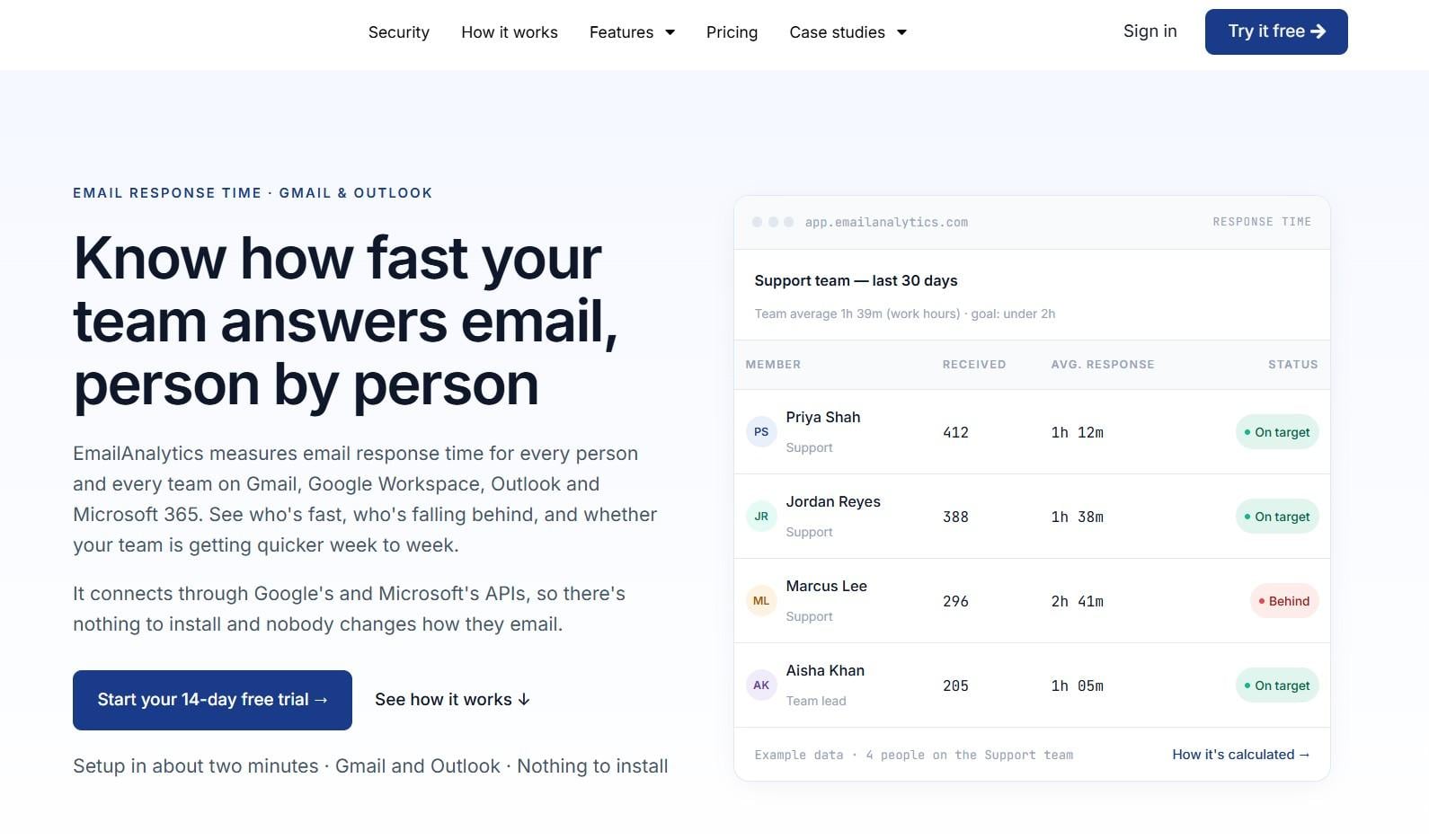
Recruiting teams that want email response time tracking tools without extra setup should look at EmailAnalytics. It gives a daily view of who’s falling behind and who replies fast to candidates and clients.
Setup takes about two minutes, with nothing to install. Recruiters keep using Gmail or Outlook as usual. Managers get reports per person and per recipient, plus tracking for Outlook shared mailboxes.
Key Features
- SLA Measurement: Shows how many replies breached your response goal
- Real-Time SLA Alerts: Notifies teams about overdue emails via an AI add-on
- Response Time Analytics: Measures average and first reply times per person and recipient
- Scheduled Reports: Emails daily or weekly team summaries with email volumes, busiest hours, and top contacts
- Shared Mailbox Analytics: Credits each Outlook shared-mailbox reply to the sender
Pros
- Gives you a 14-day free trial
- Requires no software installation or workflow changes
- Supports Gmail, Google Workspace, Outlook, and Microsoft 365
Cons
- SLA alerts and sentiment analysis cost extra as an AI add-on
- Focuses on analytics rather than candidate management
Pricing
- Pro: $19/inbox/month
3. Email Meter
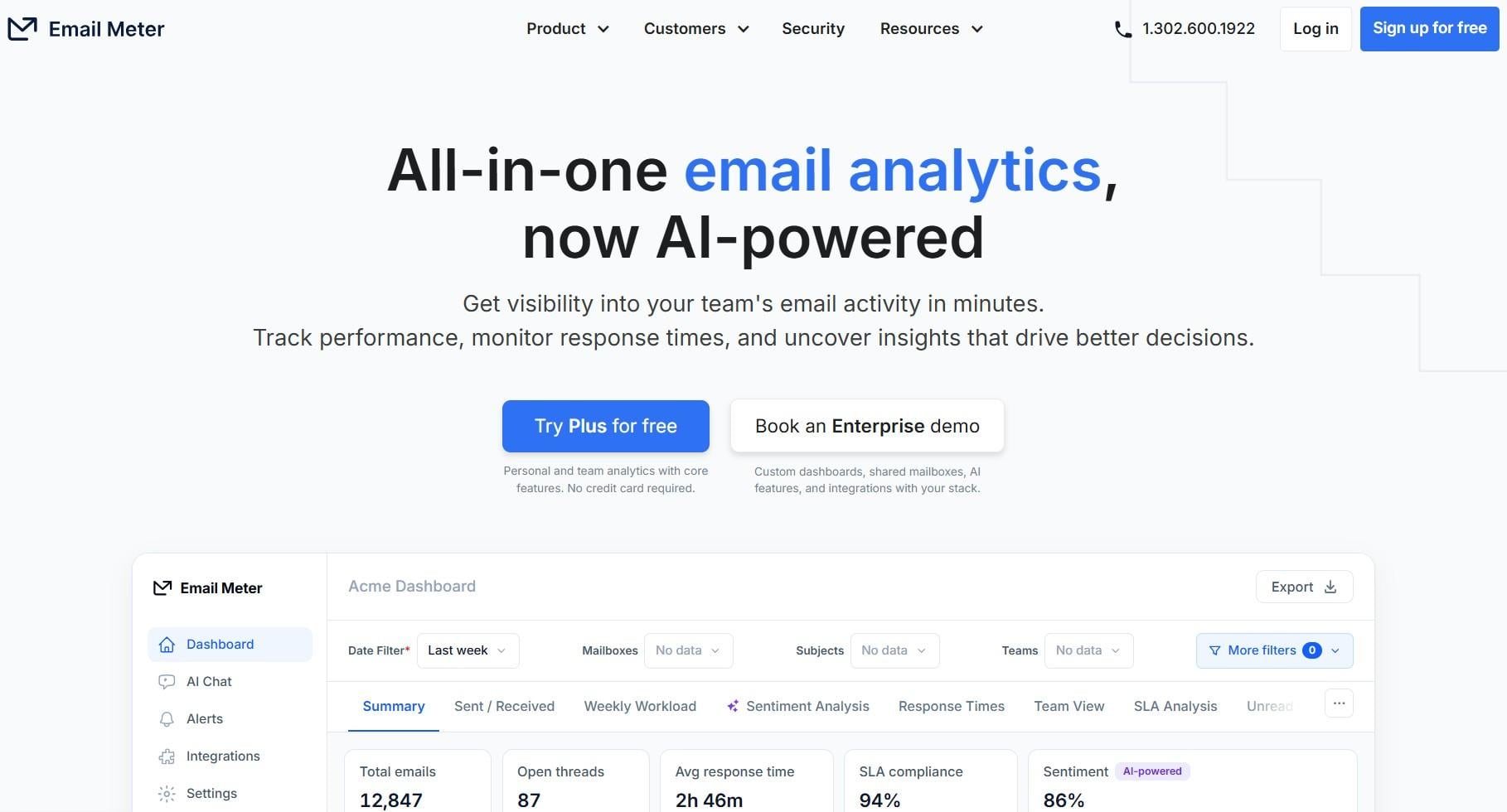
Email Meter is a good first pick for small recruiting teams. Its free plan shows median response time, letting you try email response time tracking tools at no cost.
Paid plans give teams access to shared views, alerts, and two years of historical data. Email Meter connects to Google and Microsoft 365 inboxes. Hiring managers can then use its reports to find slow follow-ups and areas for improvement.
Key Features
- Custom Dashboards: Lets teams build reports for shared mailboxes
- Response Time Metrics: Measures average and first reply times
- Productivity Insights: Highlights busy periods and email activity
- Team Analytics: Compares individual and collective performance
- SLA Analysis: Shows compliance with response time targets
Pros
- Has a free basic analytics plan
- Doesn’t read or store email bodies or attachments
- Offers ISO 27001 security and Single Sign-On on all plans
Cons
- Team features need Plus
- Shared mailbox and AI features require a custom Enterprise plan
Pricing
- Free
- Plus: $19/user/month
- Custom Dashboard: Custom pricing
4. Hiver
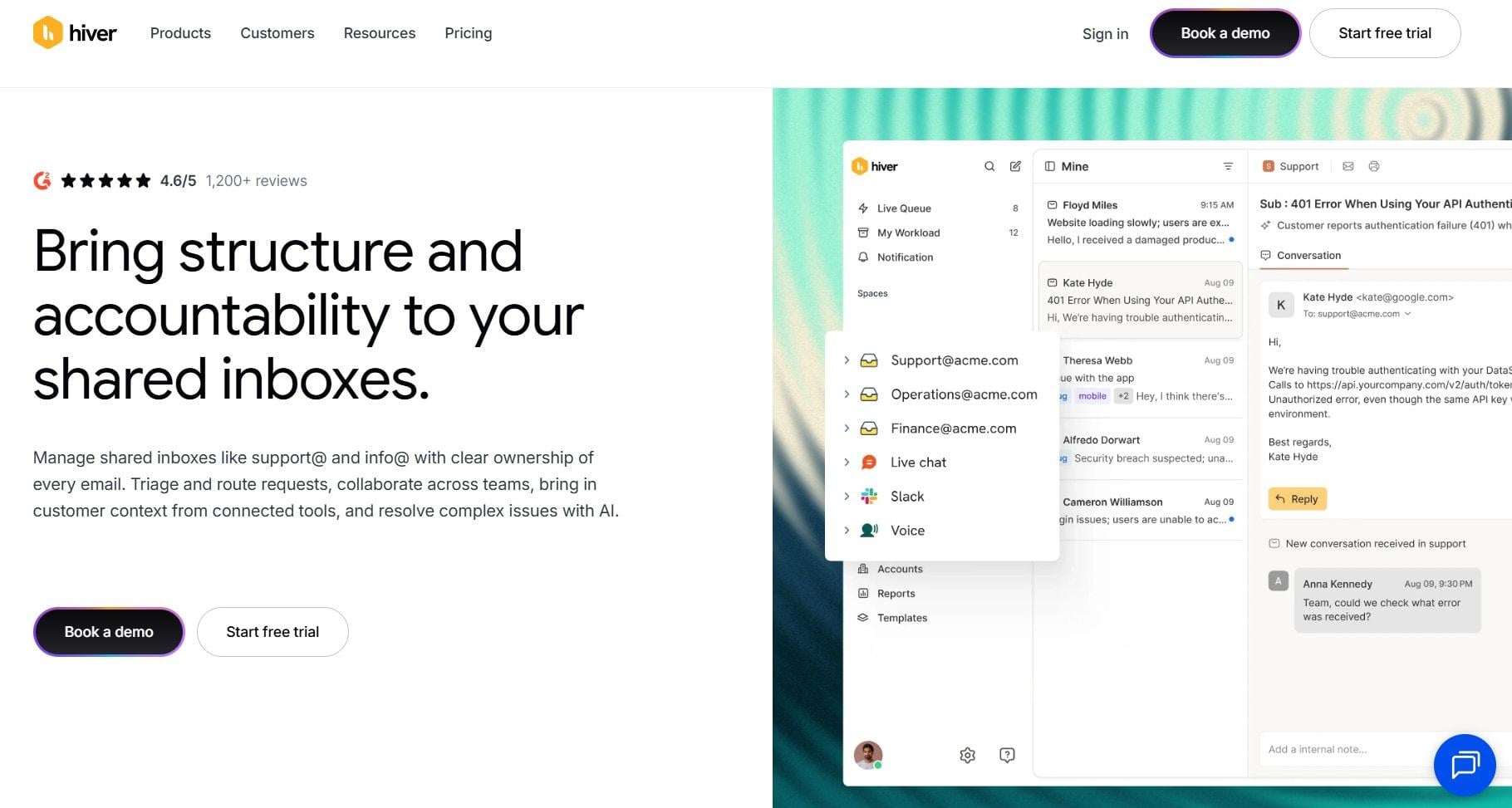
Recruiting teams can use Hiver to manage candidate emails in shared inboxes. It turns addresses like careers@ and info@ into workspaces and assigns an owner to each email. This makes pending candidate messages easier to track.
While Hiver isn’t one of the fully dedicated email response time tracking tools, it offers built-in analytics. Its reports cover SLAs, response times, and resolutions. Managers see performance by inbox and team.
Key Features
- SLA Management: Sets reply targets and flags breaches on Pro
- Response Time Analytics: Tracks first response and resolution times
- Collision Detection: Prevents multiple people from replying to the same email
- Rule-Based Automations: Sends emails to the right people and handles routine work
- Shared Inbox Ownership: Assigns each candidate email to a recruiter
Pros
- Meets SOC 2 Type II and GDPR requirements
- Works within Gmail or as a standalone platform
- Collaboration tools keep hiring managers in the loop
Cons
- Designed for support teams, so recruiters may need time to adjust
- SLA tracking and custom reports cost more
Pricing
- Growth: $35/user/month
- Pro: $65/user/month
- Elite: $95/user/month
5. Front
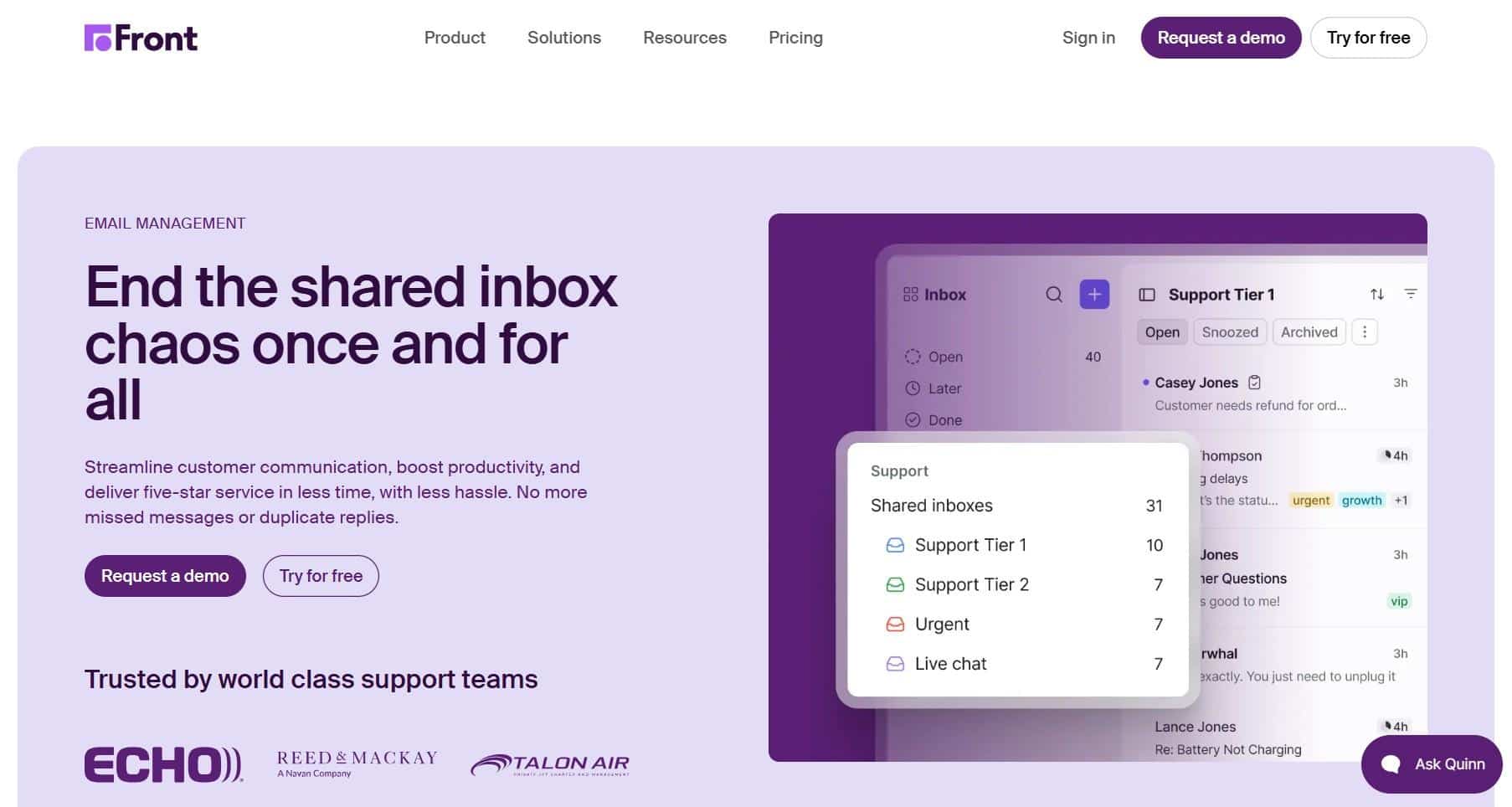
Recruiting teams can use Front to manage candidate emails across departments. Its shared inboxes show who owns each conversation and make it easier for colleagues to work together. This helps teams avoid missed messages and duplicate follow-ups.
The platform also offers analytics for monitoring workloads, reply times, and team performance. Plus, it combines communication management, automation, and reporting in one workspace. This makes it one of the broader email response time tracking tools.
Key Features
- Real-Time Analytics: Tracks workload, reply time, and satisfaction
- Shared Inboxes: Centralizes candidate correspondence for team access
- Internal Comments: Loops teammates into threads without forwarding
- Message Templates: Speeds up common candidate replies
- Workflow Rules: Routes and tags emails using AI
Pros
- Adds SMS and WhatsApp for candidate outreach on higher plans
- Over 100 integrations connect it to your other tools
- Gmail and Outlook support
Cons
- Advanced analytics come with pricier plans
- Starter is limited to 10 seats and one channel type
Pricing
- Starter: $35/seat/month
- Professional: $85/seat/month
- Enterprise: $105/seat/month (billed yearly)
Which Are the Best Email Response Time Tracking Tools?
Choose timetoreply for response-time analytics and SLA monitoring. EmailAnalytics provides quick setup and per-recipient details, while Email Meter lets you start for free. Hiver and Front combine shared inboxes with response analytics.
What Should You Look For in Email Response Time Tracking Tools?
The right email response time tracking tools give you accurate reply-time reporting, team-level visibility, and alerts for slow replies. Check privacy, integrations, and price per user, too. These features allow you to see where candidate emails stall without changing how recruiters work. Consider:
- Response Time Metrics: First and average reply times, plus business-hour tracking
- Workflow Controls: Assignments, reminders, and overdue reply alerts
- Team Visibility: Individual performance and shared mailbox activity
- Reporting and Privacy: Report downloads and email data policies
- Email Integrations: Gmail, Outlook, and existing recruiting tools
These features help you find delays and keep workloads manageable.
What Features Matter Most in Email Response Time Tracking Tools?
Prioritize accurate reply-time metrics, team reporting, useful alerts, and email integrations. Also, check price per user.
FAQ
1. What’s a Good Email Response Time for Recruiters?
Try to reply within one business day, or sooner when dealing with active candidates. Faster replies keep candidates engaged.
2. What’s the Difference Between First and Average Response Time?
First response time tracks the wait for the first reply. Average response time measures reply speed across all conversations.
3. Can Email Response Time Tracking Tools Monitor Individual Recruiters?
Yes. Many tools report response times and email activity by mailbox or team member, subject to account permissions.
4. Do These Tools Work with Gmail and Outlook?
Yes. All five tools support Gmail and Outlook, although some integrations depend on the plan or product. Hiver supports Outlook through Hiver Omni.
5. Are Email Response Time Tracking Tools the Same as Email Tracking Software?
No. Email tracking software tracks opens and clicks. Meanwhile, response-time tools measure how long replies take.
6. How Do Email Response Time Tracking Tools Improve Recruiting Productivity?
They show where candidate emails stall. Managers can then rebalance work and coach recruiters before candidates move on.
7. Do Recruiting Teams Need Shared Inboxes?
Not always. Solo recruiters can use individual mailbox analytics. Shared inboxes are more useful when teams need to coordinate replies and follow-ups.
8. How Do I Set a Response Time Goal?
First, find out how long your team currently takes to reply. Set a slightly shorter target, then review the results each week.
Conclusion
Email response time tracking tools help recruiting teams manage candidate communication and improve team productivity.
The right platform makes it easier to track reply times, balance workloads, and keep applicants informed. Compare each tool’s reporting features, integrations, and pricing before making a choice.
For help finding qualified technical professionals, contact Apollo Technical to discuss your staffing needs.
Author Byline
Gaurav Sharma is the founder and CEO of Attrock, a marketing agency, and the founder of Colytics AI, an AI visibility and answer engine optimization (AEO) platform. With over 12 years in search, he built a million-dollar agency and earned the results to back it — hundreds of thousands of monthly visitors, thousands of keywords on page one, and hundreds of AI citations. The shift from search to AI has thrown a lot of teams. He made that shift and learned what works in SEO and what works in AI. So, he built Colytics to fix the gap and wrote the AEO playbook that helps any brand earn citations the way he delivered to his clients.