Every engineering team that runs software in production knows the 3 a.m. page. An alert fires, someone opens a laptop, and the next hour goes to reading dashboards, logs, and recent deploys to find out what changed.
Most of that hour is not the fix. It is the search. Google’s Site Reliability Engineering book calls this kind of manual, repetitive operations work “toil” and says an SRE should spend no more than 50% of their time on it. Many teams are well over that line, and good reliability engineers are hard to hire.
AI SRE tools are built to take over the search. They read your telemetry, connect an alert to the change that caused it, and in some cases write the fix. This guide covers:
- What an AI SRE tool does
- The 8 best tools and who each one fits
- How to choose one for your team
- What these tools mean for SRE hiring and careers
What an AI SRE tool does
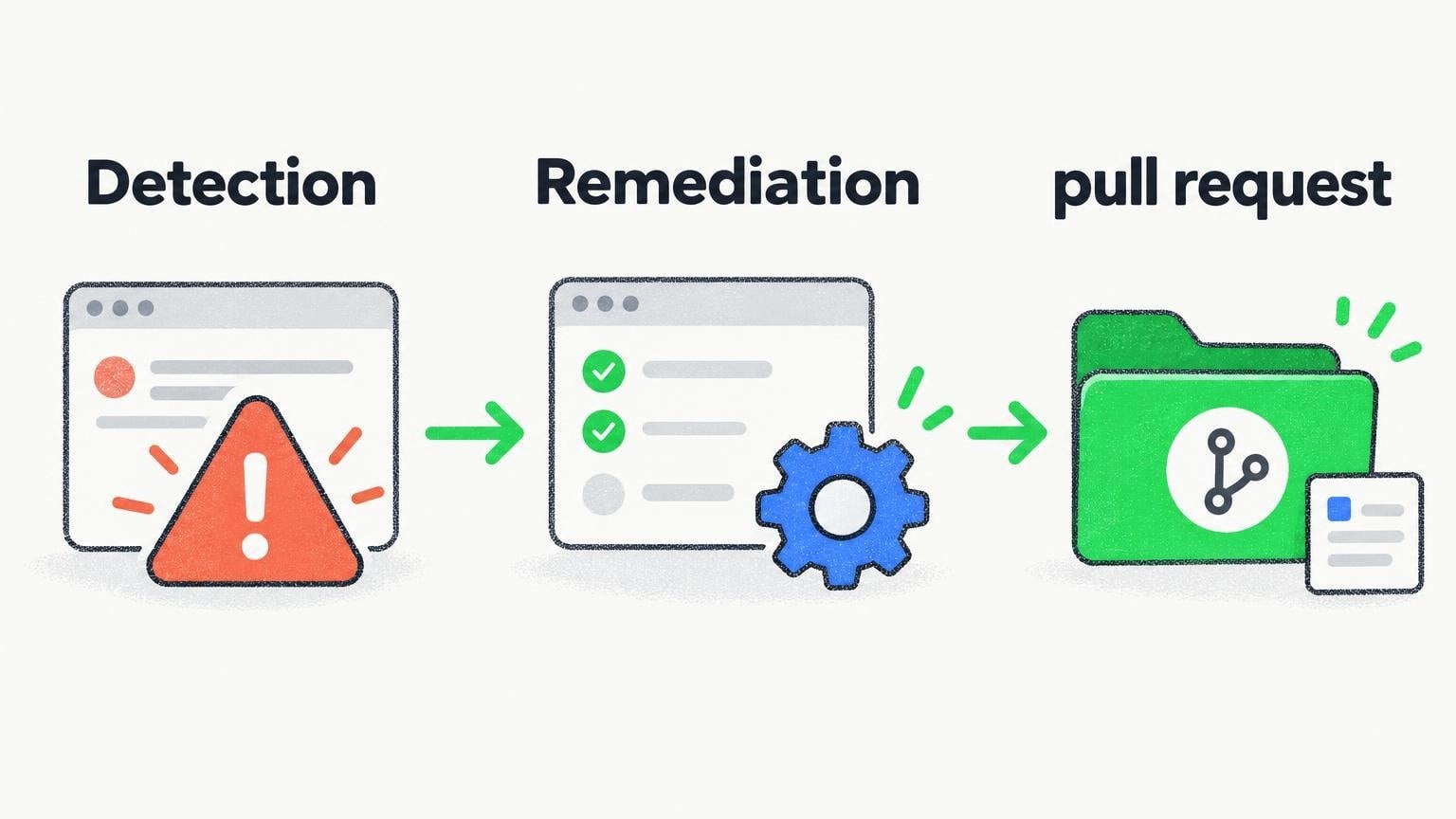
An AI SRE tool is software that uses AI agents to do part of a site reliability engineer’s job. Most products cover some or all of these tasks:
- Detection. Watching metrics, logs, and traces for behavior that is not normal for that service, including problems no alert was written for.
- Triage. Checking each alert, grouping repeats, and deciding what needs a person.
- Investigation. Pulling together deploys, code changes, and telemetry to find the root cause, with the evidence attached.
- Remediation. Suggesting a fix, or writing it and opening a pull request.
- Coordination. Running the incident itself: paging, status updates, timelines, and the write-up afterwards.
No tool does all five equally well. Some started in incident coordination and added AI. Others started with investigation and work backwards from the alert. Knowing which problem you have is the first step.
The 8 best AI SRE tools
1. Polylane
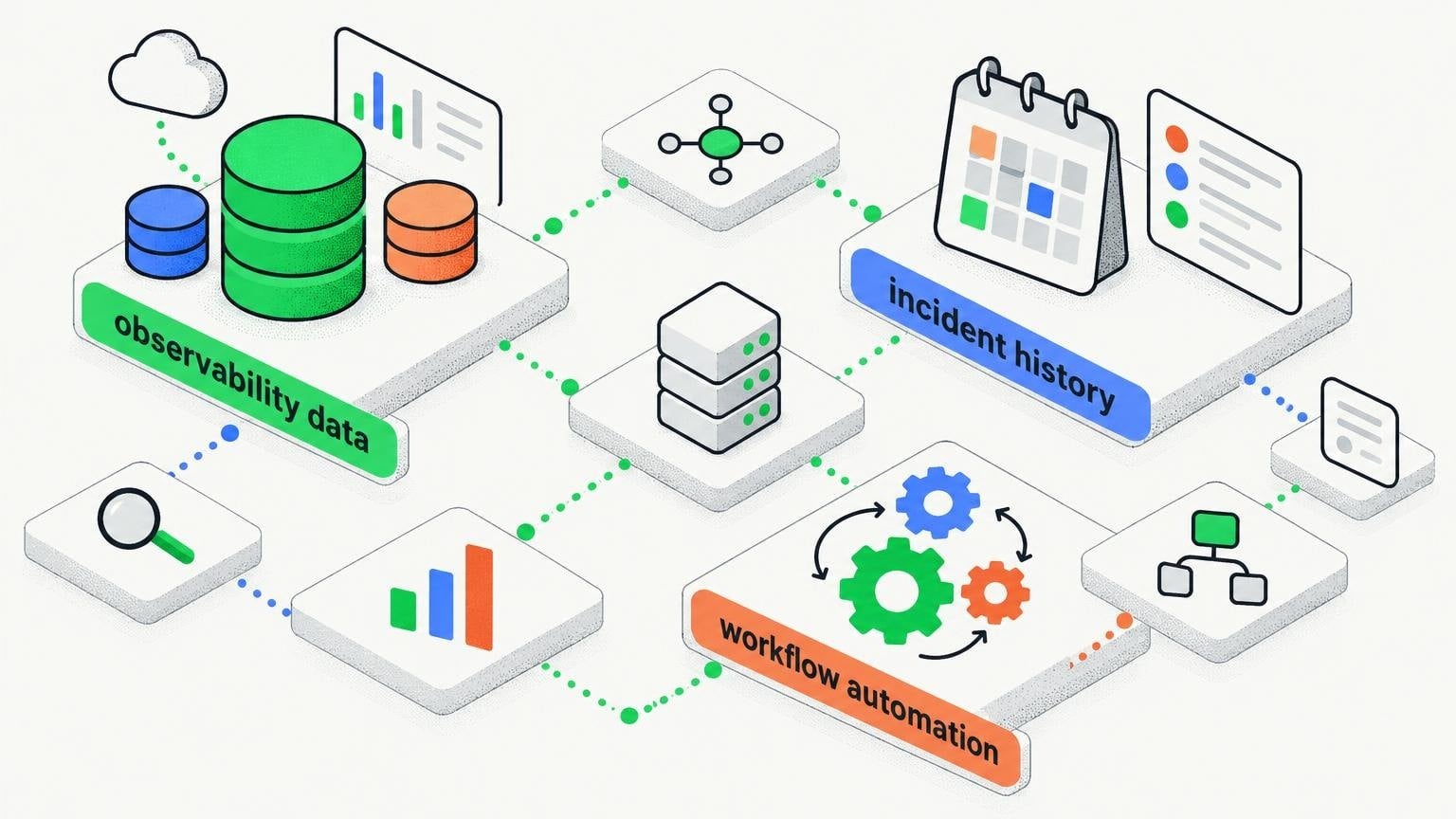
Polylane aims to catch issues before they become incidents. Its agents read metrics, logs, and traces across your services on a regular cadence and judge them against how each resource normally behaves, so it can flag a problem that nobody wrote a monitor for. When it finds one, it investigates across code, deploys, and telemetry, then writes the fix and opens a pull request that goes through your normal review and CI.
It connects to AWS, Cloudflare, Vercel, Kubernetes, Datadog, Sentry, Grafana, GitHub, Slack, and Linear, and it is SOC 2 Type II and ISO 27001:2022 certified. In one published customer story, Depot uses it to watch 150,000 cloud resources and merged 53 of its fixes in the first month.
- Best for: Small and mid-sized engineering teams that want problems found and fixed before a page goes out.
- Pricing: A free plan with no credit card, and self-serve paid plans from $80 a month.
- Watch for: Fixes arrive as pull requests, so you still need a team that reviews and merges them quickly.
2. incident.io
incident.io is an incident management platform that runs inside Slack. It covers on-call scheduling, incident response, and status pages in one product, and it has added an AI SRE feature that investigates incidents and suggests likely causes while responders work.
- Best for: Teams that want the whole incident process, from page to post-mortem, in one place.
- Watch for: The AI works best once your incident history and service catalog are already in the platform.
3. Rootly
Rootly is an incident management and on-call platform that also works from Slack. It automates the routine parts of an incident, such as creating channels, assigning roles, and writing the timeline, and it offers AI features for root cause suggestions and summaries.
- Best for: Teams that want strong workflow automation around incidents.
- Watch for: The flexible workflow builder takes time to set up well.
4. Resolve AI
Resolve AI builds AI agents that act as an on-call engineer. When an alert fires, its agents investigate across code, infrastructure, and telemetry, and report what they found and what they recommend.
- Best for: Larger engineering teams with complex production systems and a high volume of alerts.
- Watch for: Pricing is by quote, and rollout is a project, not an afternoon.
5. Traversal
Traversal focuses on root cause analysis for large enterprises. It is built for environments where an incident can touch hundreds of services and the volume of telemetry is too large for a person to read through.
- Best for: Enterprises with very large, distributed systems.
- Watch for: It is aimed at big companies, so smaller teams may find it more than they need.
6. PagerDuty
PagerDuty is the best-known name in on-call management. Many teams already route their alerts through it, and it has added AI agents, including one for SRE work, that help with triage and incident response inside the product.
- Best for: Teams that already use PagerDuty and want AI help without adding a new vendor.
- Watch for: AI features are often add-ons, so check what your plan includes.
7. Datadog Bits AI
Bits AI is Datadog’s AI assistant, and its SRE agent investigates alerts using the telemetry already stored in Datadog. Because it sits on top of your existing metrics, logs, and traces, there is little to connect.
- Best for: Teams whose observability data already lives in Datadog.
- Watch for: It is strongest on Datadog data, so signals kept elsewhere are harder to bring in.
8. Dash0
Dash0 is an observability platform built on OpenTelemetry, the open standard for telemetry data. It focuses on clear pricing and fast troubleshooting, with AI features that help engineers move from a symptom to a cause.
- Best for: Teams that have standardized on OpenTelemetry and want a modern observability tool.
- Watch for: It is an observability platform first, so it does not run your incident process.
How to choose an AI SRE tool
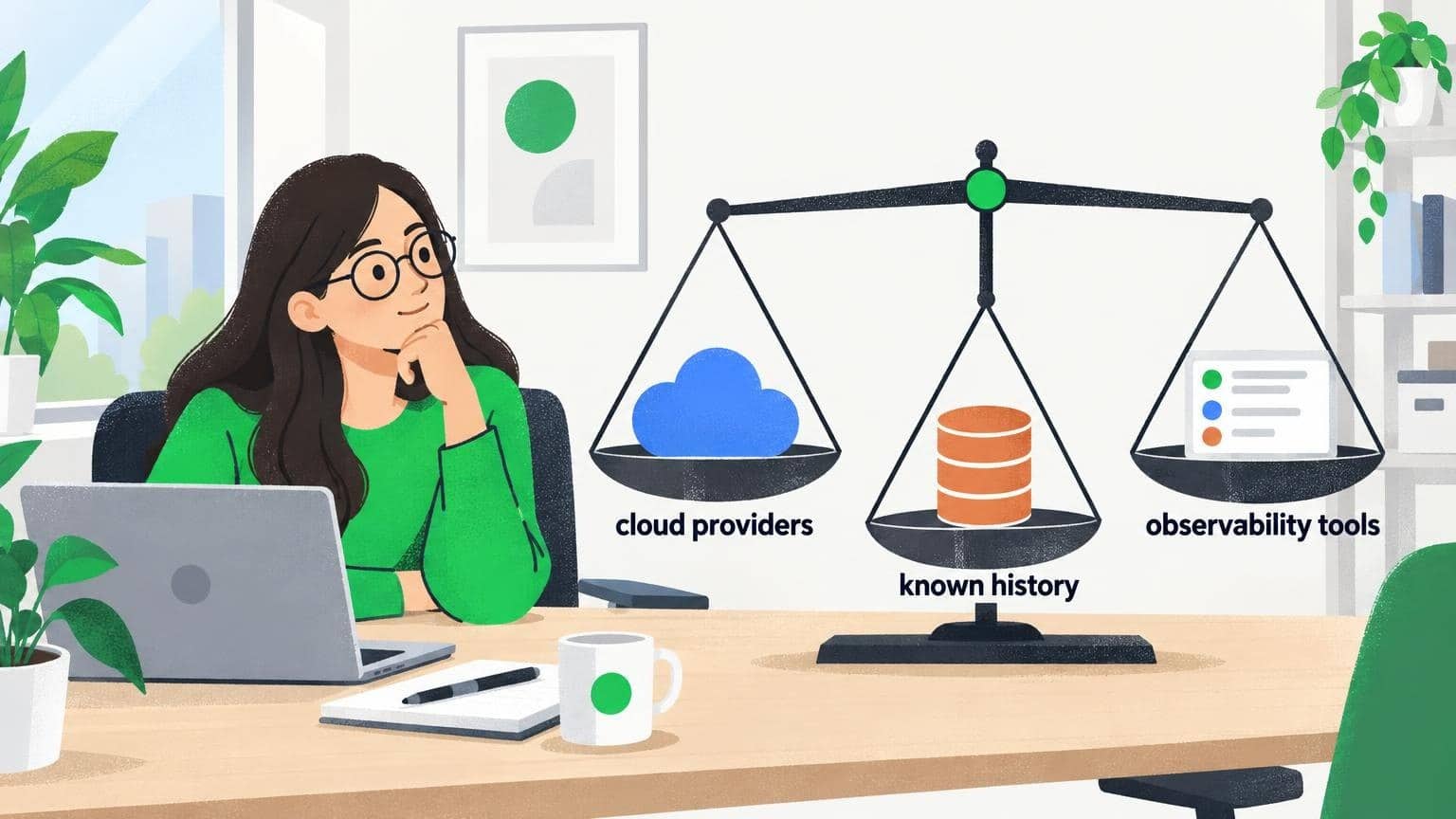
Start with the problem, not the feature list. Then check these five points:
- Where your time goes. If incidents are chaotic, start with an incident management platform. If the hours go to finding the cause, start with an investigation tool.
- What it connects to. The tool can only reason about what it can see. List your cloud providers, observability tools, and code hosts, and check each one.
- What it is allowed to do. Read-only access is the safe default. If the tool writes fixes, they should arrive as pull requests that pass your review and CI.
- How it shows its work. A root cause with no evidence is a guess. Look for links to the exact logs, traces, and commits behind each conclusion.
- Security and compliance. Ask for SOC 2 or ISO 27001 reports, and ask how your code and telemetry are stored.
Quick tip: Run a trial on one service with a known history of incidents. Compare what the tool finds with what your team already knows about that service.
What AI SRE tools mean for SRE hiring and careers
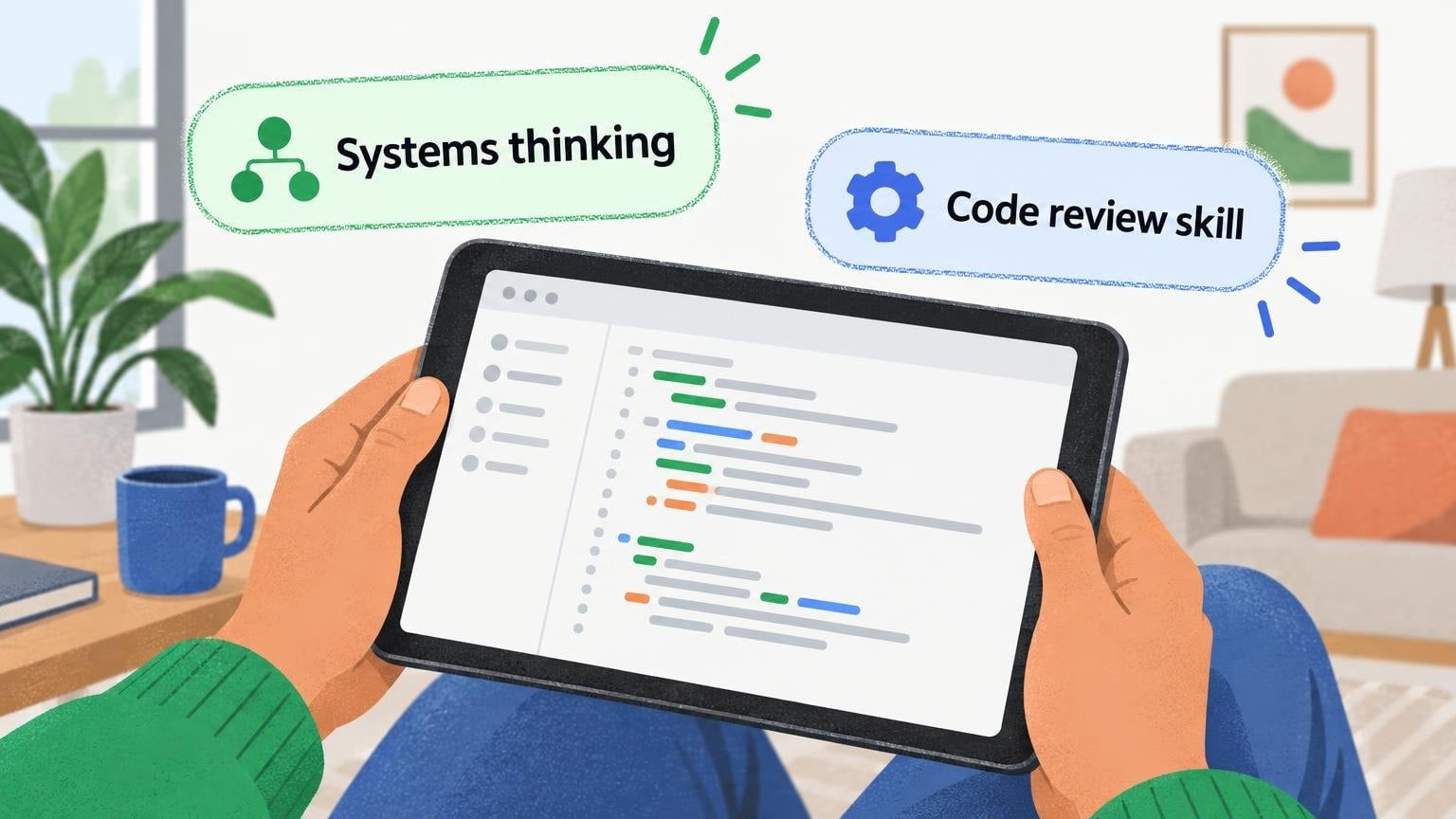
These tools do not remove the need for reliability engineers. They change where the time goes. The search for a cause gets shorter, and the work that remains is judgment: reviewing a proposed fix, deciding what to automate, and designing systems that fail less often.
For hiring managers, that shifts what to look for:
- Systems thinking over memorized runbooks.
- Code review skill, because more fixes will arrive as pull requests written by an agent.
- Comfort with AI tools, including knowing when not to trust them.
For engineers, hands-on experience with one or two of these platforms is quickly becoming a line worth having on a resume.
Frequently asked questions
What is an AI SRE?
An AI SRE is an AI agent that does parts of a site reliability engineer’s job, such as watching production, investigating alerts, finding root causes, and proposing or writing fixes.
Will AI SRE tools replace site reliability engineers?
No. They take over repetitive investigation work. Engineers still review fixes, make architecture decisions, and own the outcome.
How much do AI SRE tools cost?
It varies widely. Some offer a free plan and self-serve pricing, while enterprise platforms are priced by quote based on team size or usage.
Final thoughts
The right AI SRE tool is the one that shortens the path from “something is wrong” to “here is the fix.” For some teams that means better incident coordination. For others it means an agent that finds the cause before anyone is paged.
Shortlist two or three tools from this list, connect one service, and measure how long your next few issues take to resolve. Then keep the one your on-call engineers would miss if it were gone.